
Ultra 8K reseller guide
Ultra 8K Panel on Mobile: Players and Compatible Devices
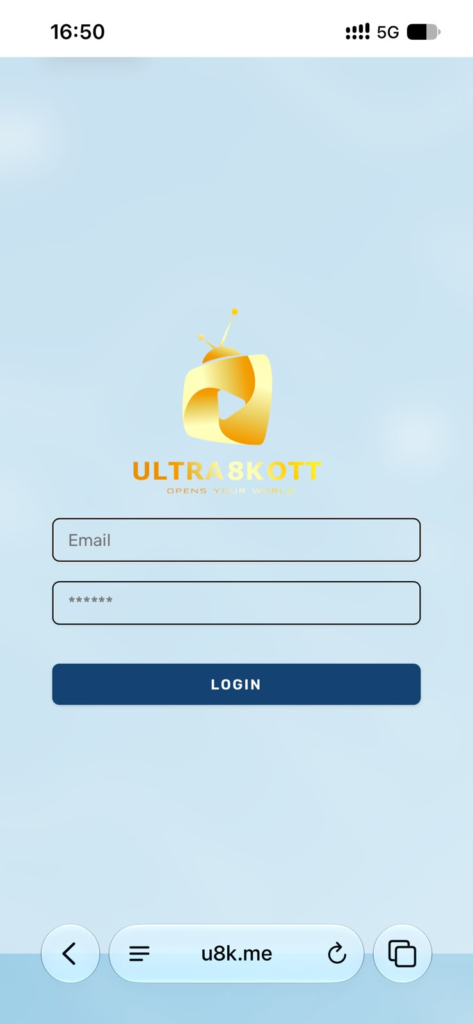
A reseller panel should be easy to check when you are away from a computer. The Ultra 8K panel uses a responsive web interface, allowing resellers to sign in from a compatible mobile browser and review essential account information.
Using the reseller panel on a phone
Open the official panel login page in your mobile browser and enter the reseller credentials. The mobile view is useful for checking available credits, reviewing customer details and handling time sensitive renewals.
For larger account management tasks, a laptop or desktop screen can provide more space. Mobile access remains useful for quick checks and support while travelling.
Supported customer device types
- Smart TVs: compatible applications can load customer access on supported television systems.
- Android and iPhone: customers can use a compatible IPTV player on mobile devices.
- Android TV and TV boxes: player applications can be installed on supported devices.
- MAG devices: portal based access can be managed through the panel workflow.
- Computers: compatible desktop players can use the supplied access format.
Compatible IPTV players
Common options include IPTV Smarters Pro, TiviMate, IBO Player, Smart IPTV, Flix IPTV, GSE Smart IPTV, Perfect Player and Duplex IPTV. Availability and installation steps can vary by device, operating system and application store.
What information does a customer need?
The required information depends on the player. Some applications use M3U details, while others use portal or account credentials. Always confirm the device and application before preparing the line so the customer receives the correct setup format.
Confirm the right device setup
Tell our sales team which devices and applications your customers use when ordering your reseller credit package. Confirm the required access format, then follow the setup guidance supplied with your account.
Explore the supported player list and request help if you are unsure which setup matches a device.